
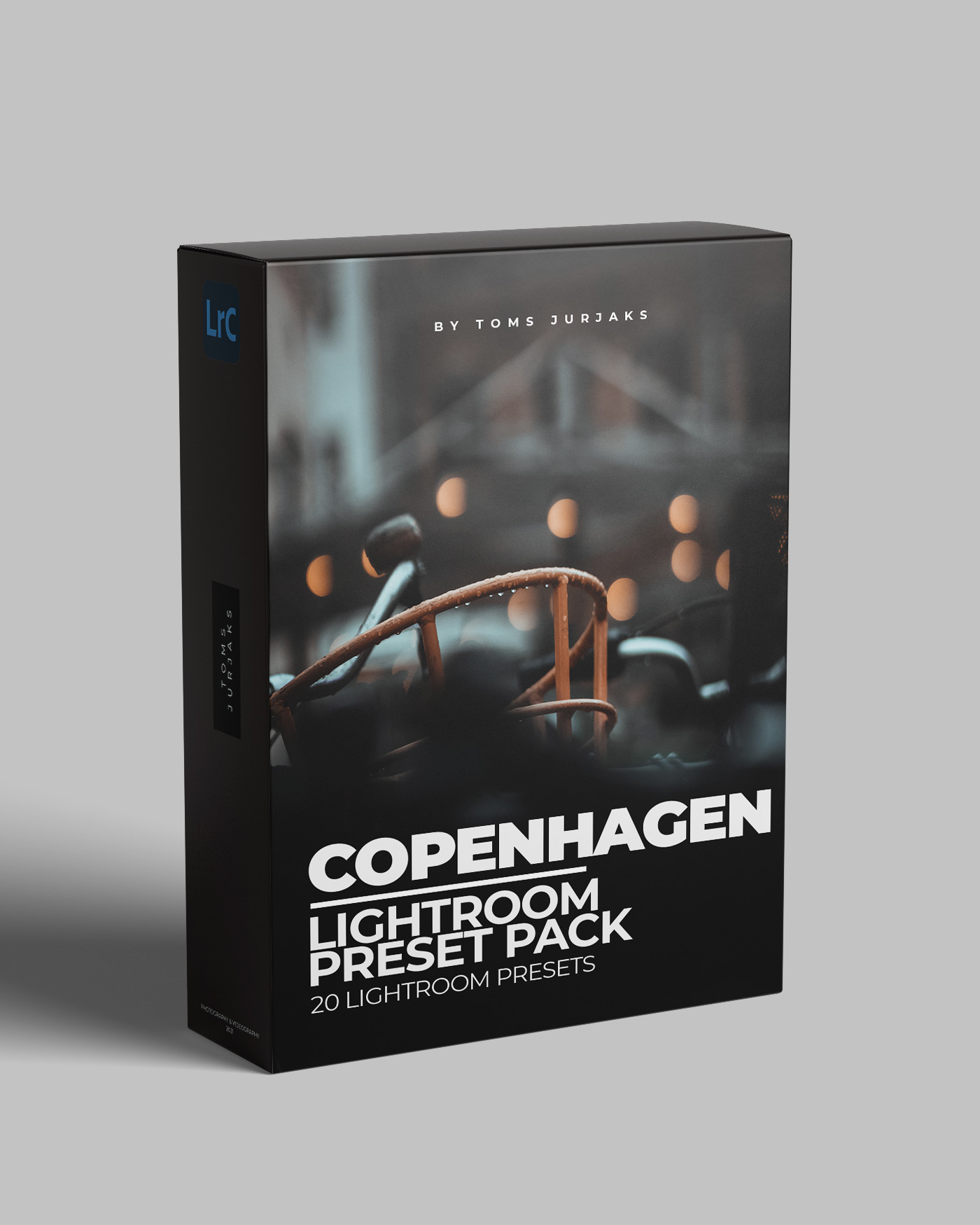


COPENHAGEN – 20 Lightroom Presets
$19,70
The most requested preset pack is here and now EXTENDED! Moody, dark, toned-down and with a lot of city-vibe. In total 20 amazing presets! Many of you have asked how I achieved the look for the images seen in this YouTube video. After carefully selecting and perfecting the most used presets, I made this pack that is ideal for street, car, lifestyle, city and architecture photographers and many more.
As the name suggests this presets pack is based on vibes of the capital city of Denmark – Copenhagen. All presets are also named based on famous locations within the city. This is my biggest presets pack and all of them are to accentuate brown, orange, red and also grey tones, while toning down most of the other colors which gives the shots awesome look to it. Nevertheless, each preset is unique and application options – endless.
CHECK OUT FEW EXAMPLES BELOW
Description
Amalienborg
The most popular preset of all in this pack. I used it in almost all shots in my POV YouTube video. This will give your shot a dramatic looking city scape that is achieved by unique combinations by reducing highlights but increasing whites as well as reducing contrast but by having powerful S-curve. With this preset old building colors will pop, however it will reduce all modern colors (like ultra blue etc) allowing you to achieve a unique look.


Christiansborg
A film look, desaturated preset with slightly cyan tone to it. Convert your ordinary image into a mysterious shot. Perfect when capturing details or when you wish to eliminate too distracting greens from the trees within a city. This preset intelligently darkens the shadows, however there is plenty of light in the image, especially for highlighted parts so that your subject can be expressed as you want.


Marmorkirken
The most moody preset of all. If you are trying to convert plain image into something spectacular – this is it. Preset removes most of the colors leaving you with slightly saturated brown, orange and yellow colors if they are present in the image. I highly recommend using this preset for shots taken in cloudy or rainy days – it will work wonders not only for city shots but also for landscapes like a moody forest path.


Nyhavn
Convert your boring grey city tones into more exciting and eye-catching. This is a typical orange-teal city preset everyone should have in their collection. The grey sky will get a very slight touch of teal and cyan look while grey buildings, asphalt and concrete structures will gain a tone of orange and brown in highlight and shadow areas. As with all other presets – also Nyhavn has increased texture and clarity.


Tivoli
The most bold preset of all! Tivoli offers you clarity, powerful contrast and impressive S-Curve. All colors in your image will be toned-down yet because of texture, contrast and slightly increased highlights – the image will simply pop making the viewer stop and take a closer look at your masterpiece. Try using it on buildings with white frames, with flat water in the shot or rain and you will be surprised how impressive this preset makes your photo look.


And many more

What’s Included:
- This pack includes 20 .XMP files that can be used with Adobe Lightroom as well as Adobe Lightroom Classic;
- The pack also includes 20 .DNG files that are to be used with Adobe Lightroom Mobile App
- Tutorials
For Better Results:
Presets are developed for photos that are shot in RAW format as they hold more information, are more “flat” looking thus easier to apply. Although they might work on JPGs I highly recommend shooting in RAW. You also must understand that a preset will not work on every single image nor it is enough to just apply the preset. Applying the preset to your image is a great start, but for best results you should fine tune your photo’s basic settings, White Balance, Exposure and contrast.
Tutorials:
- How to install presets for Lightroom Classic
- How to install presets on your Lightroom Mobile App
If you have any questions regarding the presets, feel free to reach out to me. And if you end up using one of my presets on your photos while you post them on Instagram, use hashtag #jurjaxpresets so I can check them out. Thanks a lot!


ketut erman –
*****
Ruben Chan Habon Jr. –
I LOVE IT
Hassan Algonaim –
thanks for the time and effort. I was lost until I purchased your presets. They really transformed my street photography to the look. I’m looking for along time ago.